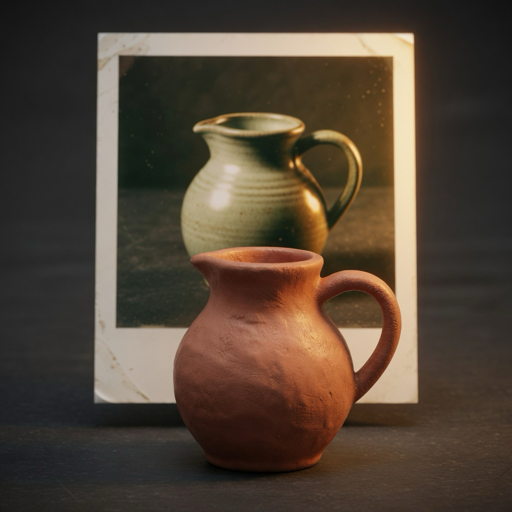
Tungsten · Photo to textured 3D
One photo. A model you can orbit.
Generated on your Mac.
Open a product photo, optionally remove the background, and generate a textured 3D model on Apple silicon. Orbit the result, then export it. Your photo stays on this Mac.
- Fast 512³, or High 1024³ when this Mac has the memory
- Export GLB, USDZ, OBJ, STL, or PLY
- Free to generate · $9.99 USD once to export
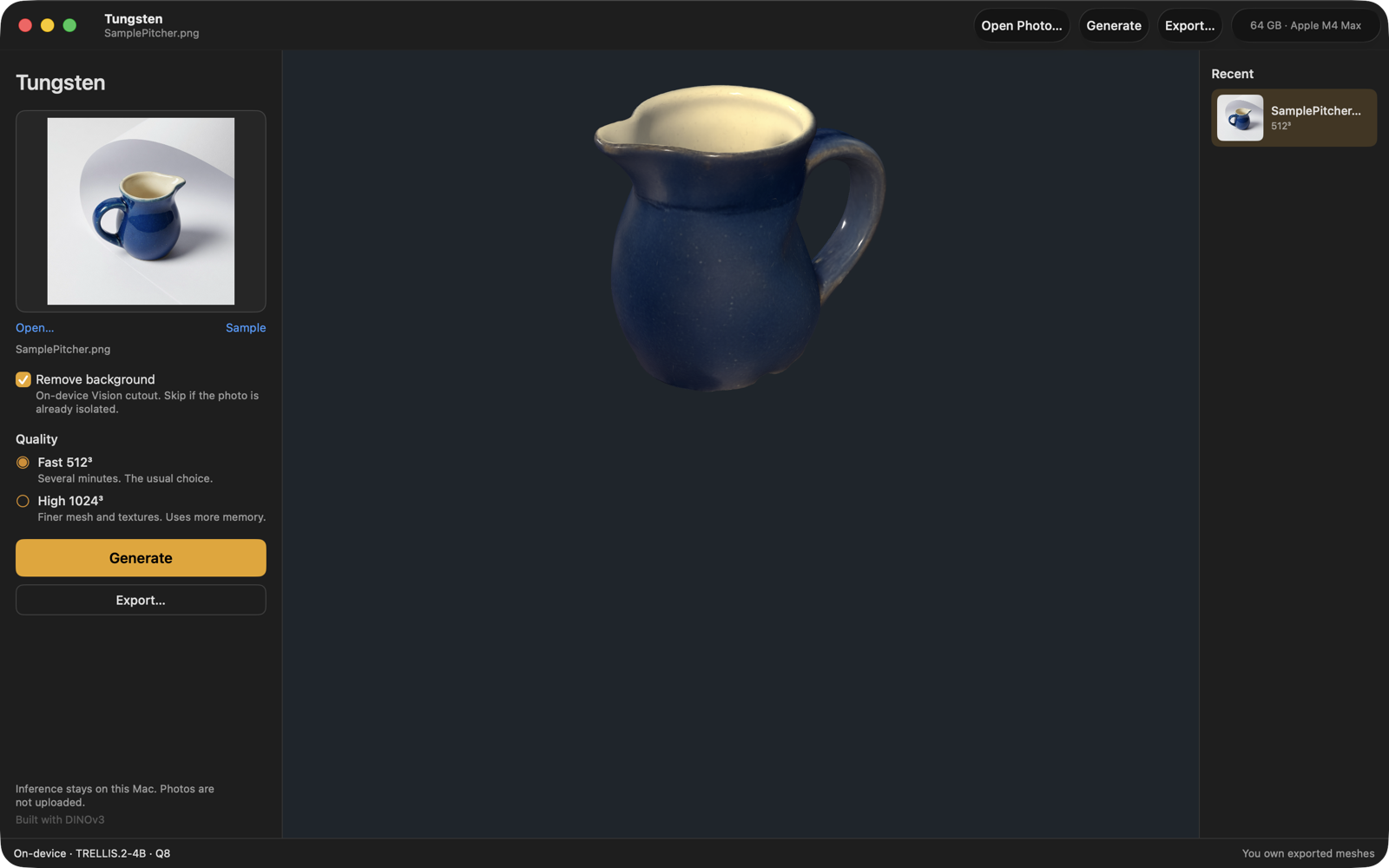
What is it? Tungsten is a Mac app that turns one product photo into a textured 3D model. The model is generated on the Mac itself — Apple silicon, macOS 14 or later — so the photo is not uploaded. Export GLB, USDZ, OBJ, STL, or PLY. Generating is free; a one-time $9.99 USD purchase unlocks export, with no subscription. The first Generate downloads about 6 GB of model files.
From a photo to a file you own
- 1
Open a photo
Drop a product photo on the window, or click Sample to use the bundled pitcher. Remove the background when the object is not already isolated.
- 2
Generate on this Mac
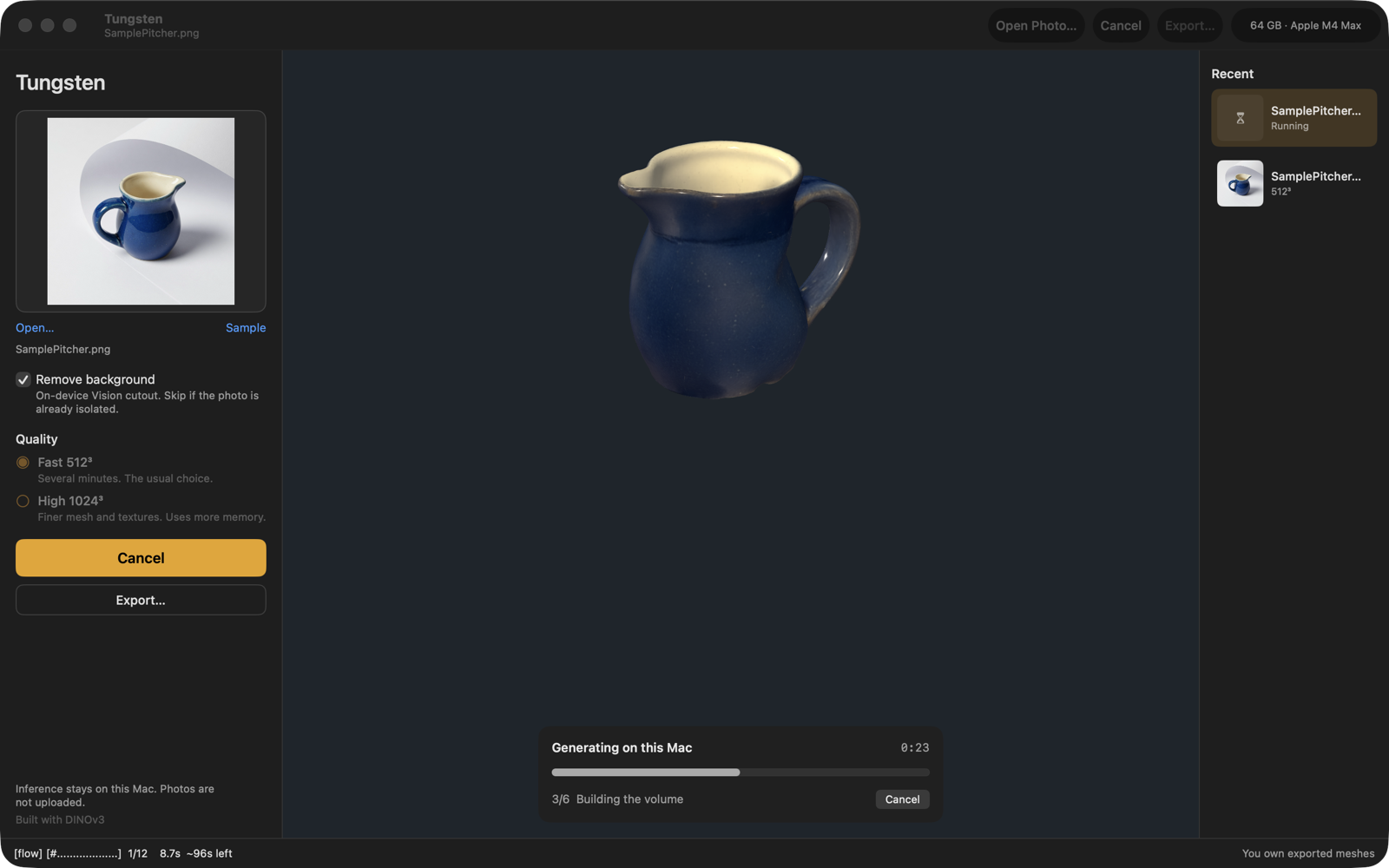
Choose Fast or High quality. Generation runs on Apple silicon. A typical Fast run takes several minutes, and you can cancel it.
- 3
Export the mesh
Orbit the preview, then unlock export. Save GLB, USDZ, OBJ, STL, or PLY. The file is yours.
Built for one object, on one Mac
On this Mac
After the model pack is installed, inference stays on this computer. Photos are not sent to a server.
Background removal
Apple Vision cuts the object out on this Mac. Skip it when the photo is already isolated.
Two quality levels
Fast 512³ is the usual choice. High 1024³ makes a finer mesh and texture, and stays locked below 36 GB of memory.
Orbit the result
The preview is a textured model you can turn. Recent jobs stay listed beside it.
Formats you can use
Export GLB, USDZ, OBJ, STL, or PLY. You own the exported meshes.
Built with DINOv3
Image features use Meta DINOv3 under its own license, which is not MIT. Tungsten does not relicense those weights.
While it runs
Generation stays in front of you
Tungsten shows the step it is on, including building the volume. Cancel from the progress panel or the main button. The photo and the model stay on this Mac.
The first generate downloads the model weights, about 6 GB for Fast. Tungsten checks SHA-256 before it runs, and you can postpone the download.
Take the model with you
Export is one purchase
Generate is free. A one-time purchase unlocks exporting GLB, USDZ, OBJ, STL, and PLY. Restore Purchases is on the purchase screen and in Settings → General.
You own the files. Tungsten claims no copyright on generated meshes.
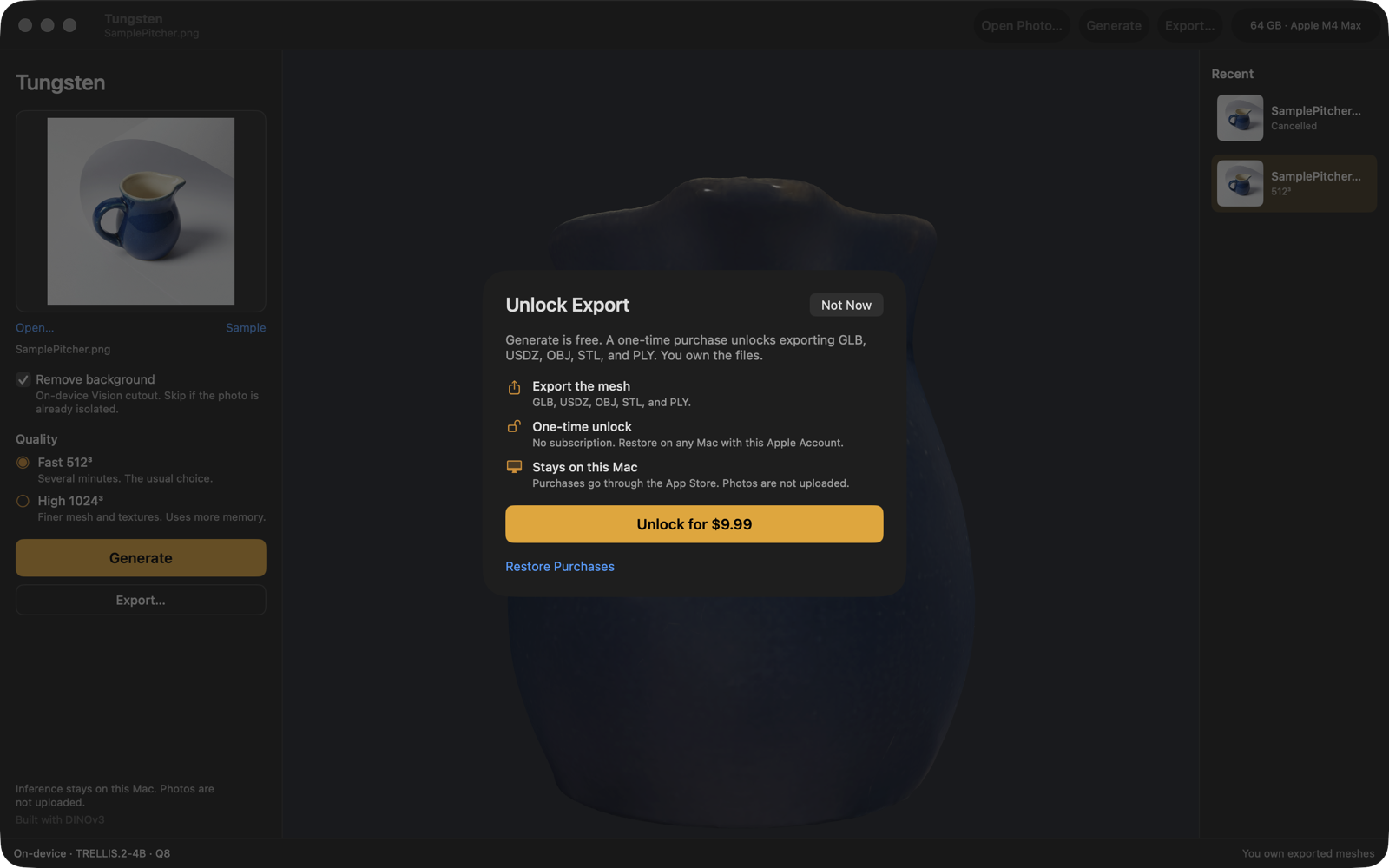
Free to generate. One purchase to export.
Generate
Free
Open a photo, remove the background, and generate on this Mac. Includes the sample pitcher photo.
Unlock Export
$9.99 USD · one time
GLB, USDZ, OBJ, STL, and PLY, including future exports. No subscription. Already purchased? Restore Purchases with the same Apple Account.
Regional prices are shown in the app before you buy. Apple silicon and macOS 14 or later are required. 24 GB of unified memory is recommended, and High quality needs 36 GB. The memory shown in the corner of the screenshots is the Mac they were captured on.
Your photo stays on this Mac
There is no account, no ads, and no tracking. Photos, jobs, and exports stay in the app container. Purchases and restores are handled by Apple.
Frequently asked questions
How do I try it without my own photo?
Click Sample under the photo well, or choose File → Use Sample. That loads the bundled pitcher photo.
Why is there a large download?
The App Store app does not include the model weights. On first generate, Tungsten downloads about 6 GB for Fast (512³) over HTTPS, stores the files on this Mac, and checks SHA-256 before running. High quality (1024³) downloads more. You can postpone the download.
How long does Generate take?
A typical Fast (512³) run takes several minutes on Apple silicon. High quality is slower. You can cancel at any time.
What Mac do I need?
Apple silicon and macOS 14 or later. Intel Macs are not supported. 24 GB of unified memory is recommended. High quality (1024³) stays locked unless this Mac has 36 GB or more.
Are my photos uploaded?
No. After the model pack is on this Mac, generation stays on this Mac. Photos are not sent to a server. There is no account and no tracking.
What can I export?
GLB, USDZ, OBJ, STL, or PLY. Generate is free. Export is a one-time $9.99 USD Unlock Export purchase. Regional prices are shown in the app. You own the exported files.
Why does Generate ask me to accept a license?
Image features use Meta DINOv3, which is not MIT-licensed. Accept the DINOv3 License Agreement before the weights download. Tungsten does not relicense those weights and does not send your photos to Meta.
I already bought Unlock Export. Do I pay again?
No. Restore Purchases is in Settings → General and on the purchase screen. Use the same Apple Account.
Where are my jobs stored?
Inside the app container. Settings → General has Show in Finder for the models folder.
For step-by-step help, visit the support page or email info@druidori.com.